Installation
Install
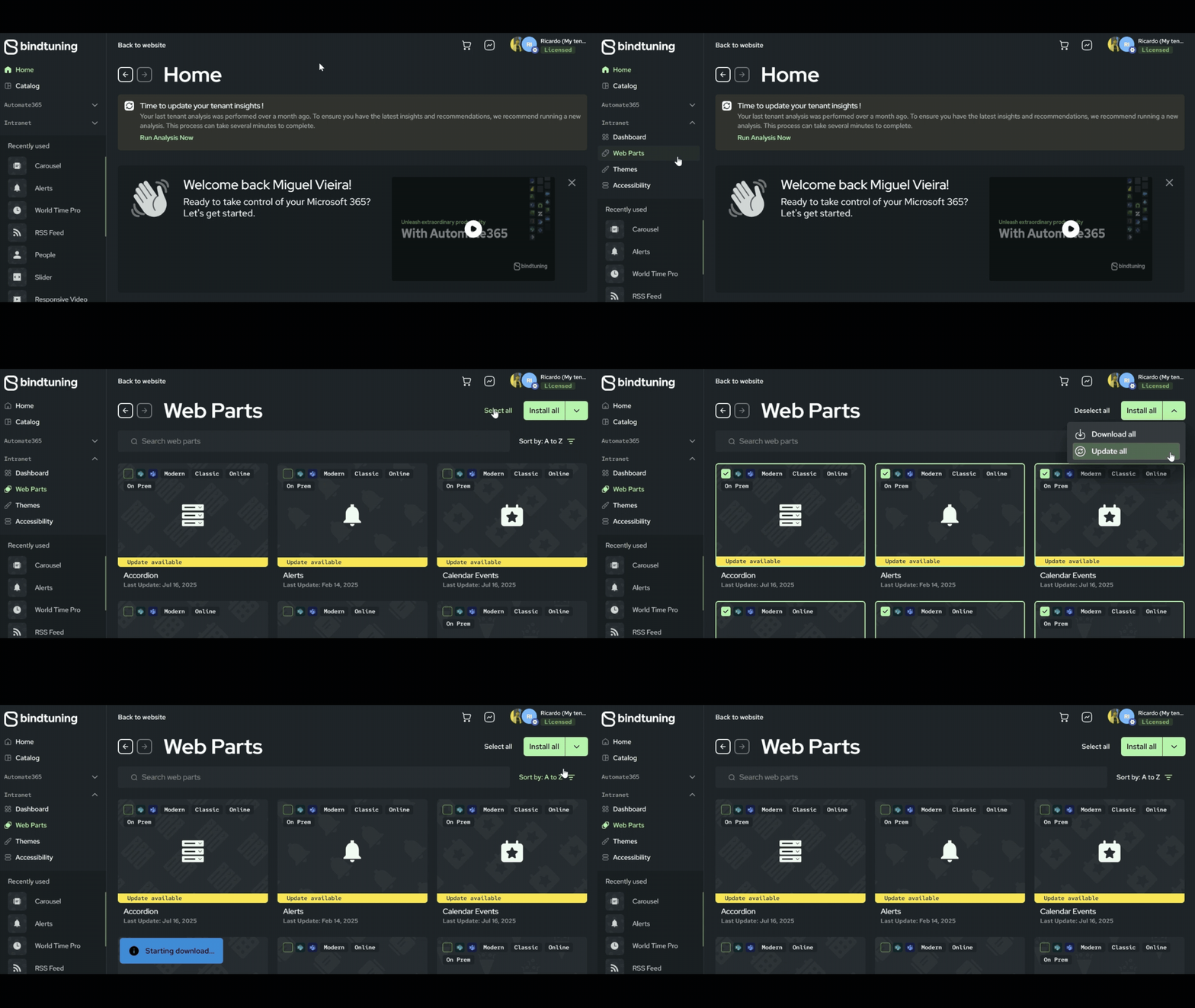
- Login to BindTuning;
- On the left sidebar, click on Intranet > Web Parts;
- Browse through the web parts directory, select all and click on Download All;
- Extract the files, open the
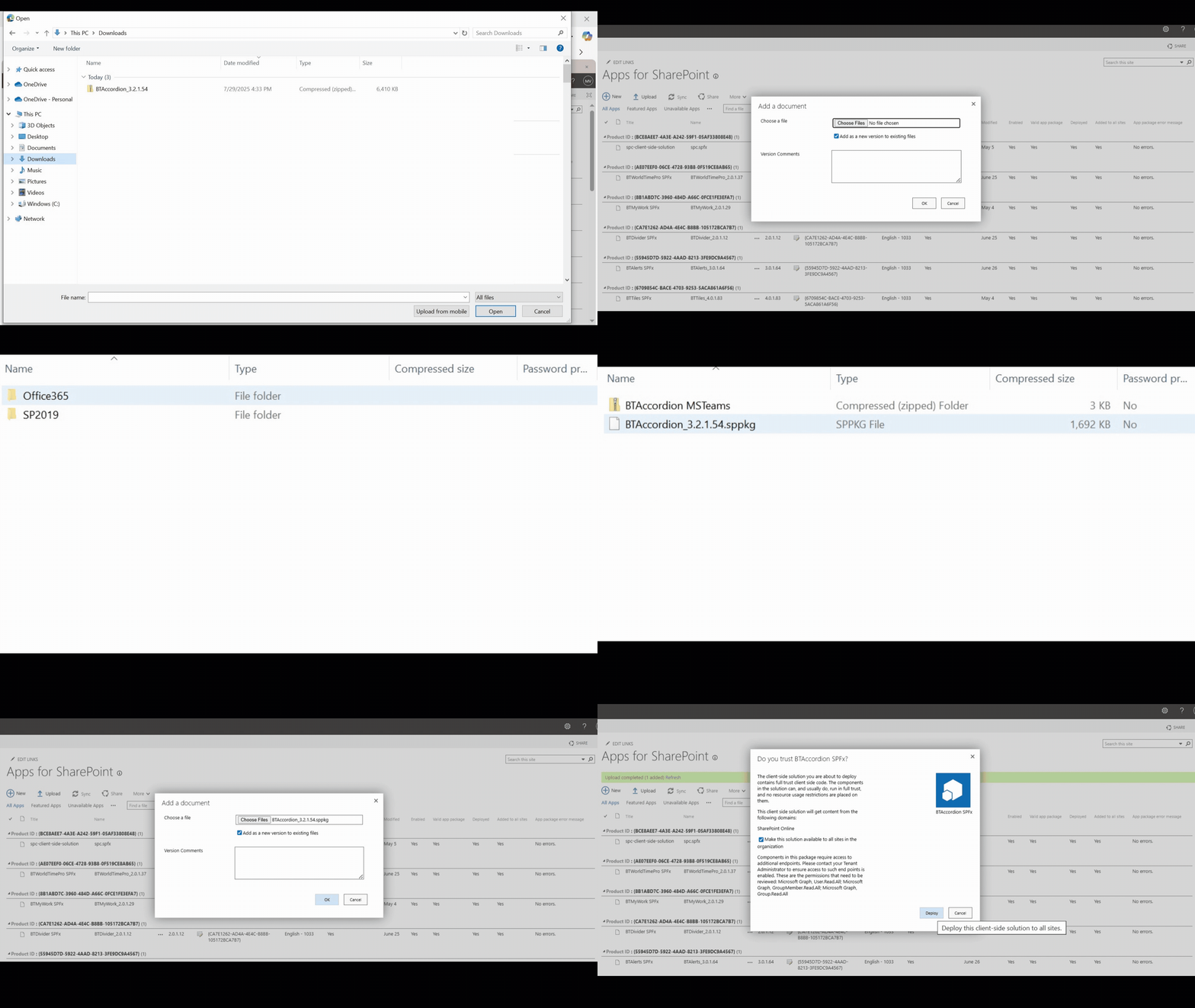
spfxfolder >Office 365and locate the.sppkgfile; - Browse to your site collection, click on the gear icon and go to Site Contents;
- Search for Apps for SharePoint and upload the solution – a new window will pop up, please tick the box ‘Make this solution available to all sites in the organization’ and click “Deploy”.