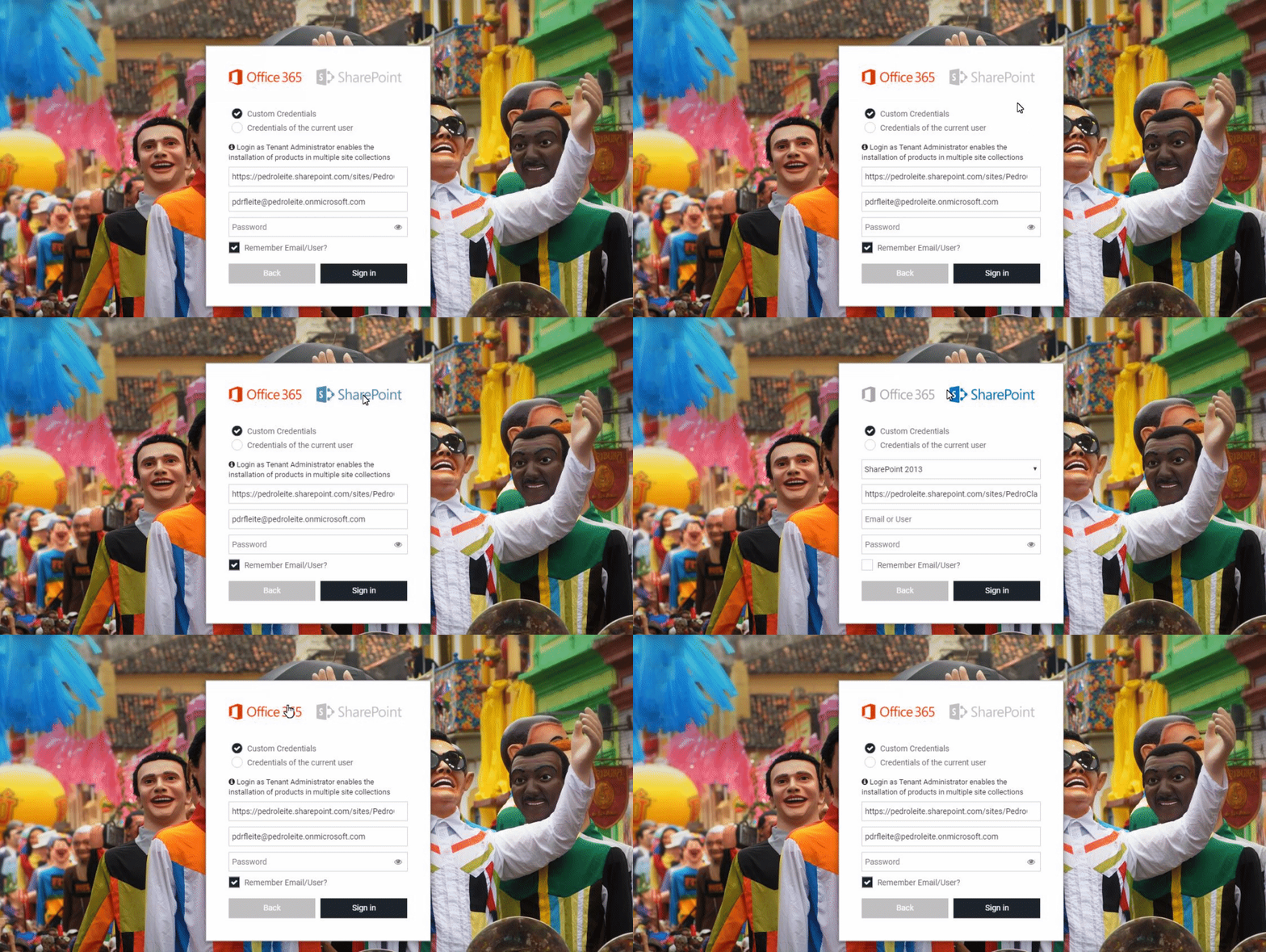
Update Update Login to BindTuning Desktop App On the left sidebar, click on Install and select Build Browse through the web parts directory – select All and click on Update Review the update, click Accept and Proceed, then click Update